
Redirection
The Redirection feature in Kompass allows you to manage URL redirects (301, 302, and 410) effortlessly. This is essential for maintaining SEO when changing page structures or migrating from an older site.
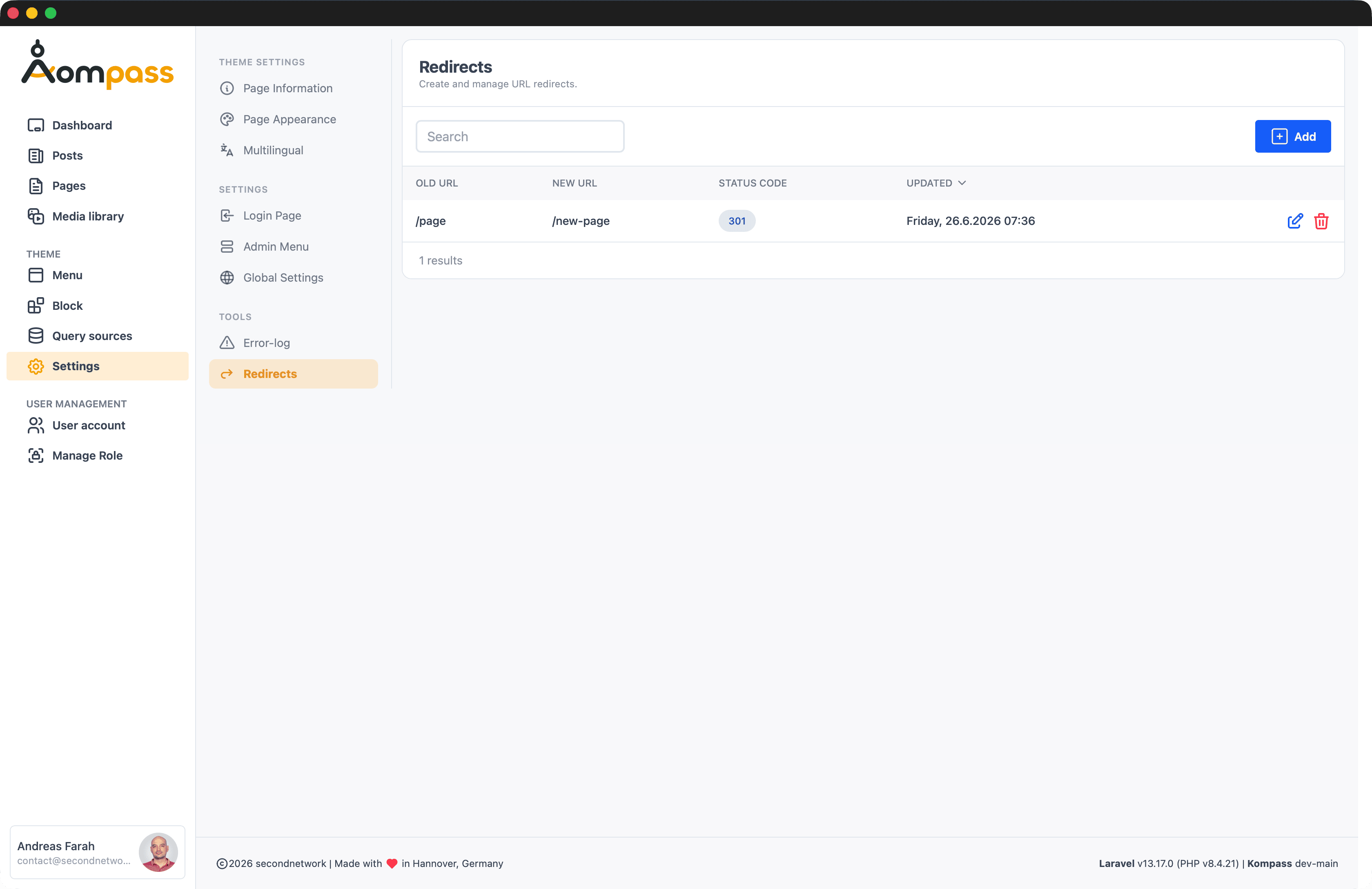
Overview
Redirects are managed through a simple interface where you can map old URLs to new destinations. Kompass handles the logic of intercepting requests and forwarding users and search engines correctly.
Supported Redirect Types
- 301 (Permanent): Tells search engines that the page has moved permanently to a new location.
- 302 (Found/Temporary): A temporary move; search engines will keep the old URL indexed.
- 410 (Gone): Tells search engines that the page is permanently removed and should be de-indexed.
Managing Redirects
Navigate to Admin > Redirects (or check under Tools if enabled).
Adding a Redirect
- Click "Add".
- Enter the Old URL (relative to your site root, e.g.,
/old-contact-us). - Enter the New URL (absolute or relative, e.g.,
/contact). - Select the Status Code (301, 302, or 410).
- Click Save.
How it Works
Kompass includes a middleware that checks every incoming request against the redirections table. If a match is found, the redirect is executed before Laravel's standard routing continues.
Performance
Redirect matches are lexicographically ordered and cached to ensure minimal impact on response times.
API Usage
You can also manage redirects programmatically using the Secondnetwork\Kompass\Models\Redirect model:
use Secondnetwork\Kompass\Models\Redirect;

Redirect::create([
    'old_url' => '/legacy-page',
    'new_url' => '/modern-page',
    'status_code' => 301,
]);