
Roles and Permissions
Kompass ships with a role-based access control system that determines what each user can see and do in the backend. Four roles are included by default, powered by Spatie Laravel Permission.
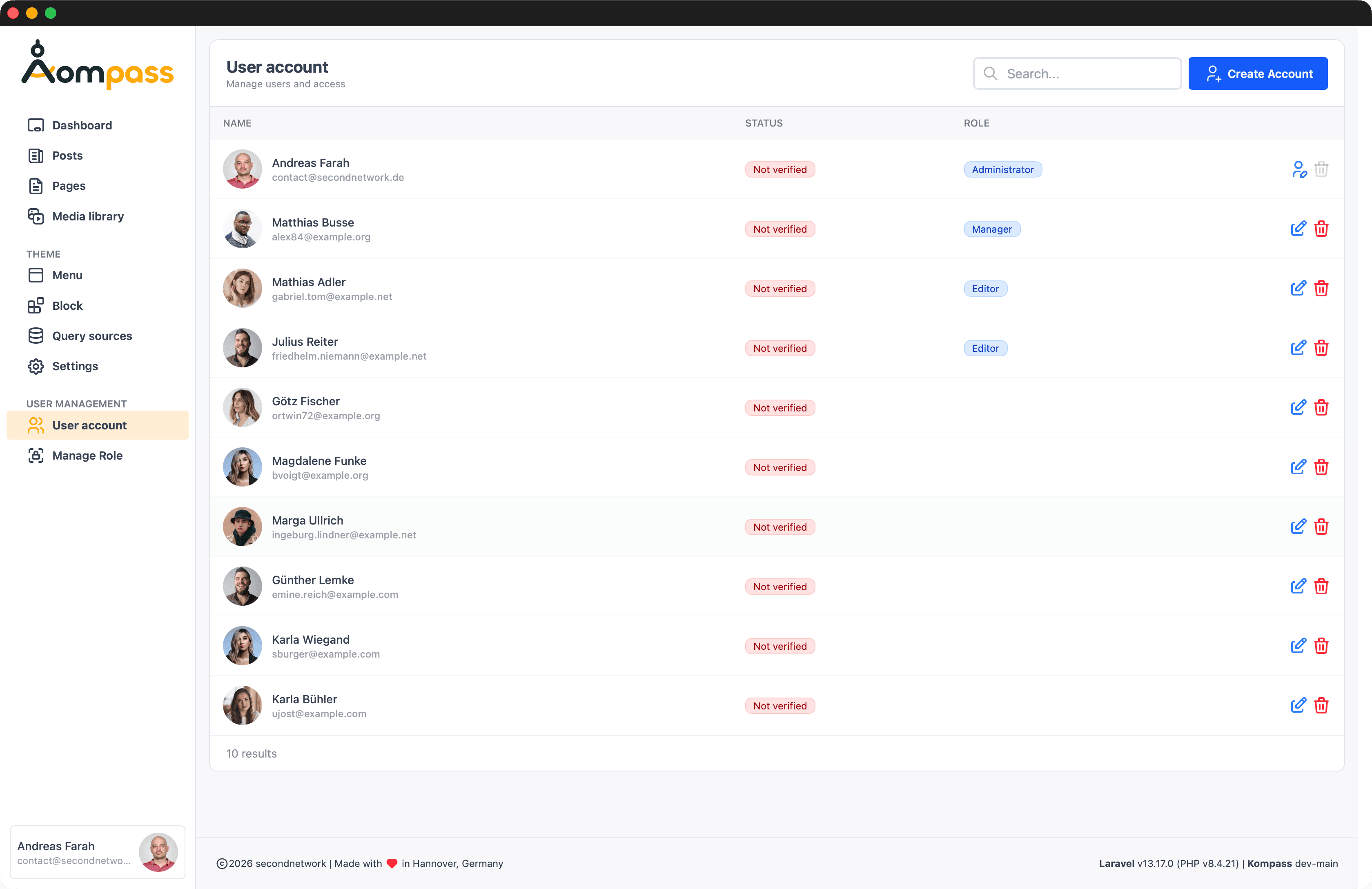
Default Roles
| Role | Access |
|---|---|
| Administrator | Full system access. Reserved for developers and admins. |
| Manager | Content, media, and selected admin tools. |
| Editor | Create and edit content. |
| User | Basic access for registered users. |
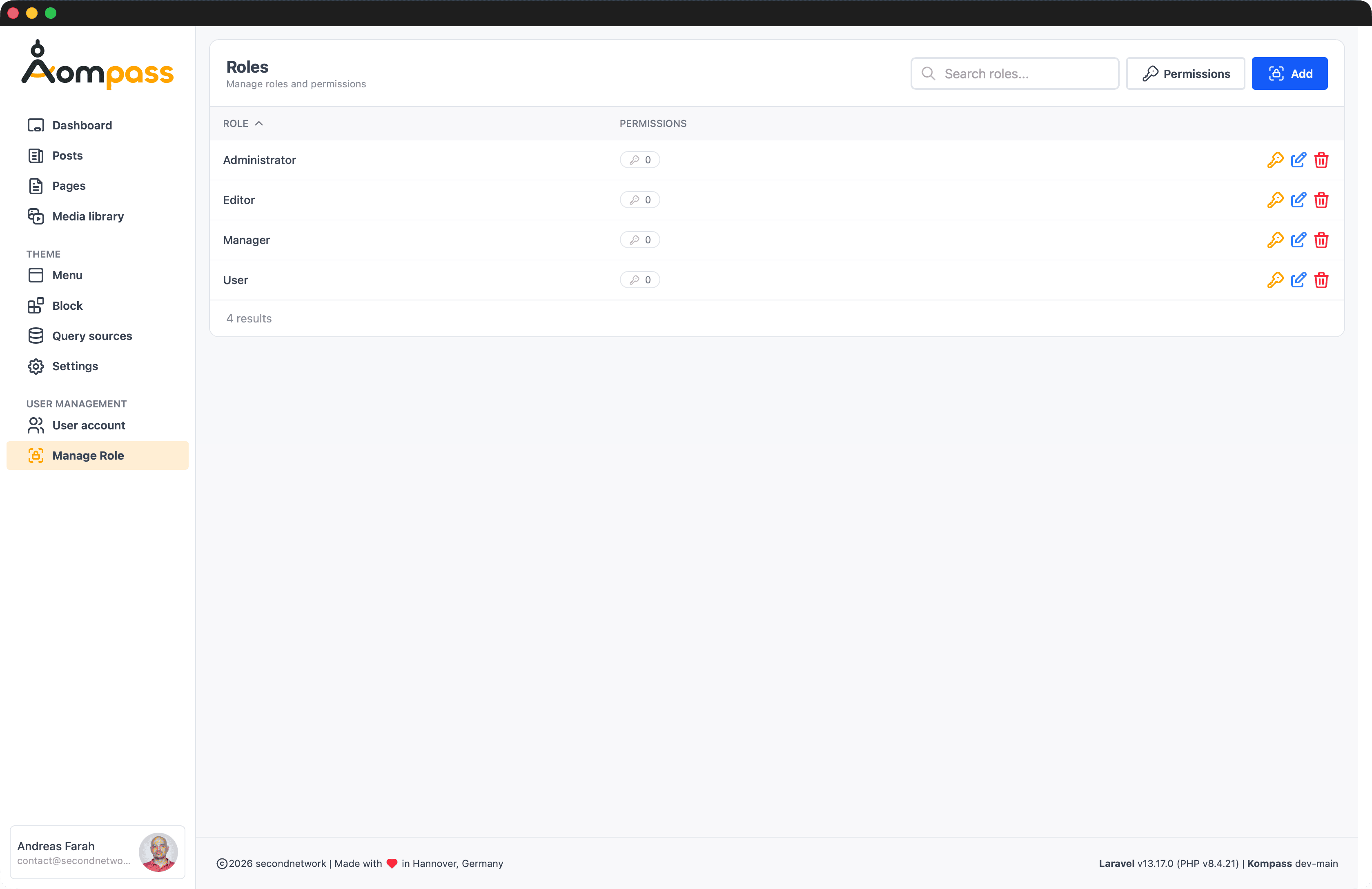
Don't modify Administrator
Do not modify the Administrator role — core Kompass functionality depends on it. You can freely change or extend all other roles.
Permissions
Kompass uses Spatie Laravel Permission under the hood. You can assign permissions to roles, attach roles to users, and guard routes or UI elements using Spatie's standard API. Refer to their documentation for advanced configuration such as custom guards or permission caching.
User Identification (UUID + ULID)
Kompass uses UUID as the users table primary key (not auto-incrementing integers). Additionally, users receive a ULID (Universally Unique Lexicographically Sortable Identifier) column for convenient API use:
- Primary Key (UUID) — guaranteed unique, high-entropy identifiers
- ULID column — lexicographically sortable, human-friendly IDs for public APIs and URLs
- Secure — both formats prevent ID enumeration attacks
Passkey Authentication
Kompass supports passwordless login via passkeys. See the Passkey Authentication page for setup and configuration details.
Account settings including profile information, theme preferences, and passkey management are covered on the User Profile page.